Home › Budget apps › Calm Week: ADHD Planner App
Calm Week: ADHD Planner App
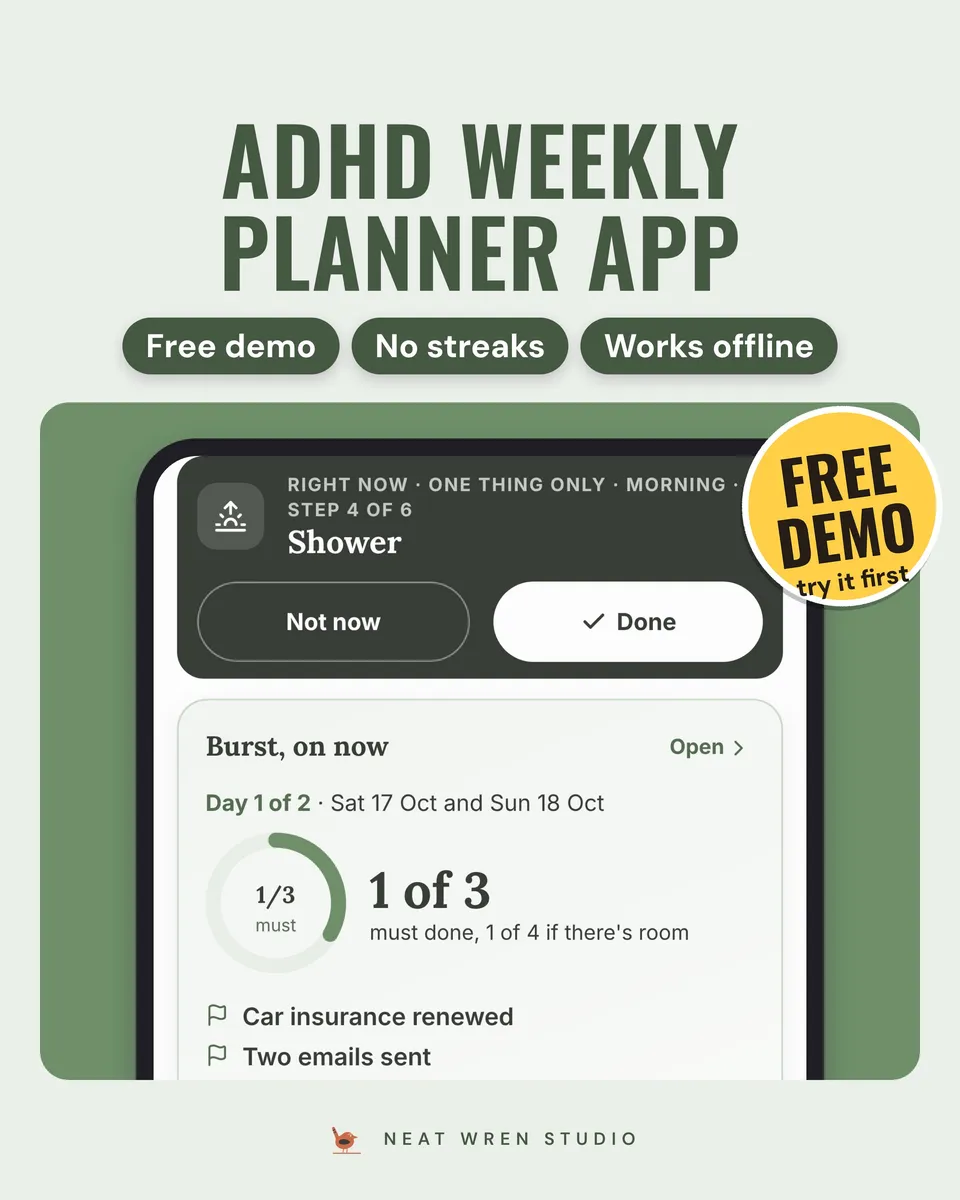
An ADHD planner app for two-day bursts, a ten-minute weekly reset, routines and habits with no streaks. Works offline, with a free demo.
£11.99 on EtsyUK price, VAT included. Instant download, nothing is posted.
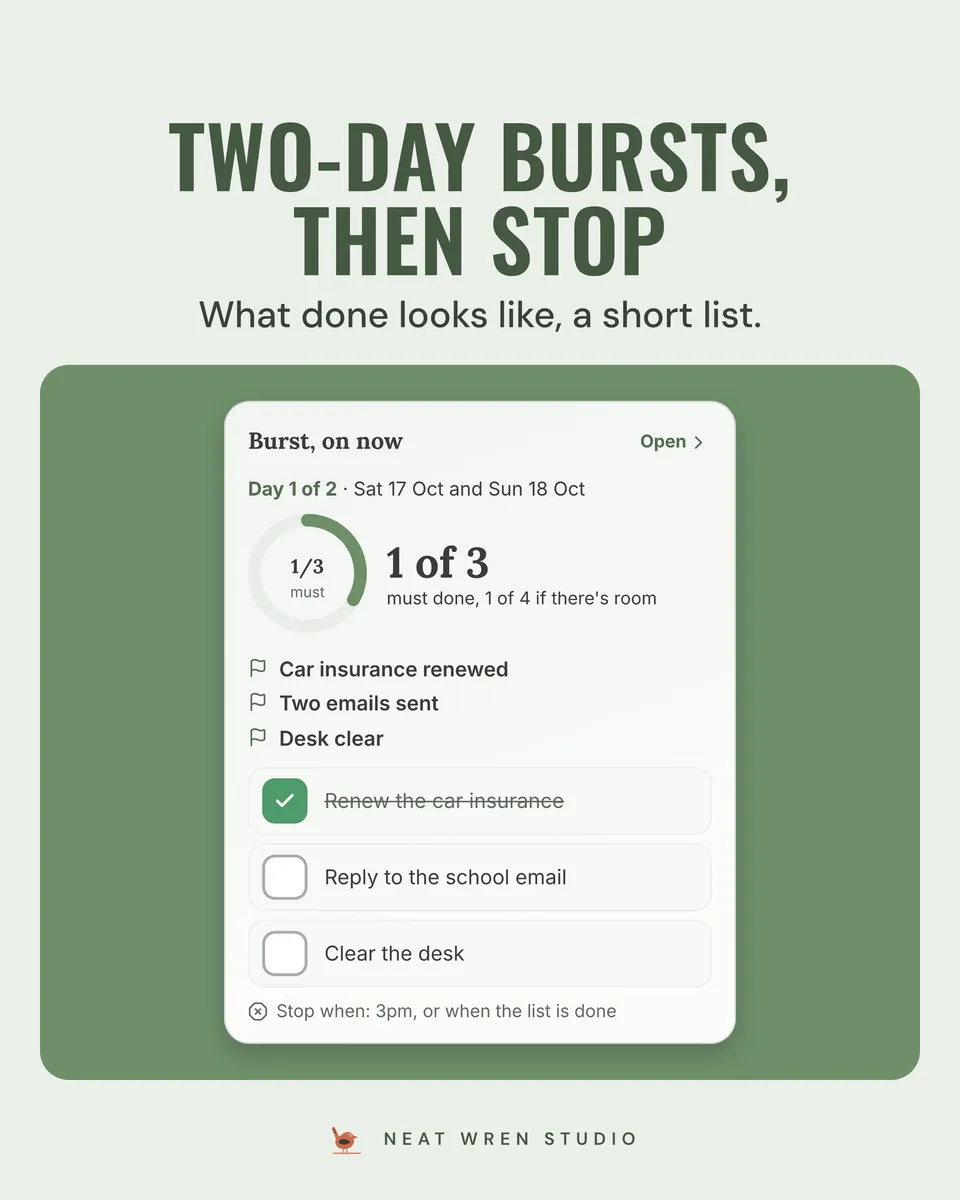
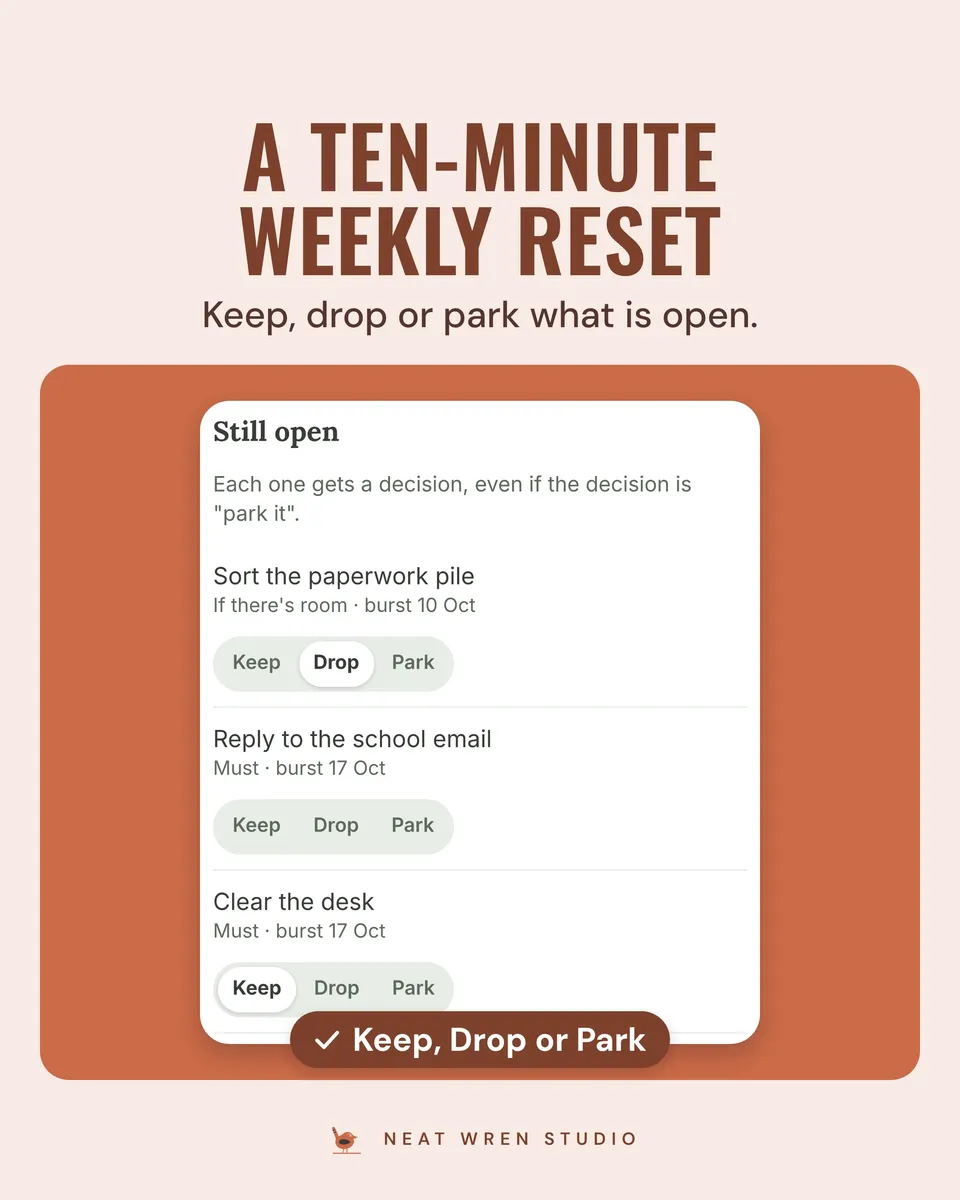
Plan a two-day burst for when the energy turns up, and leave the rest of the week unscheduled on purpose. Do a ten-minute reset when the week ends. Count your habits without a streak to break.
If it doesn't open, doesn't work on your device or isn't as described, message us on Etsy and we'll fix it or refund you.
Bought it already? Where your files are.
What it does
- Plans two-day bursts: pick two days, write what done looks like, add up to three musts, and park everything else
- Guides a ten-minute weekly reset: what happened, what is still open (keep, drop or park), and one thing for next week
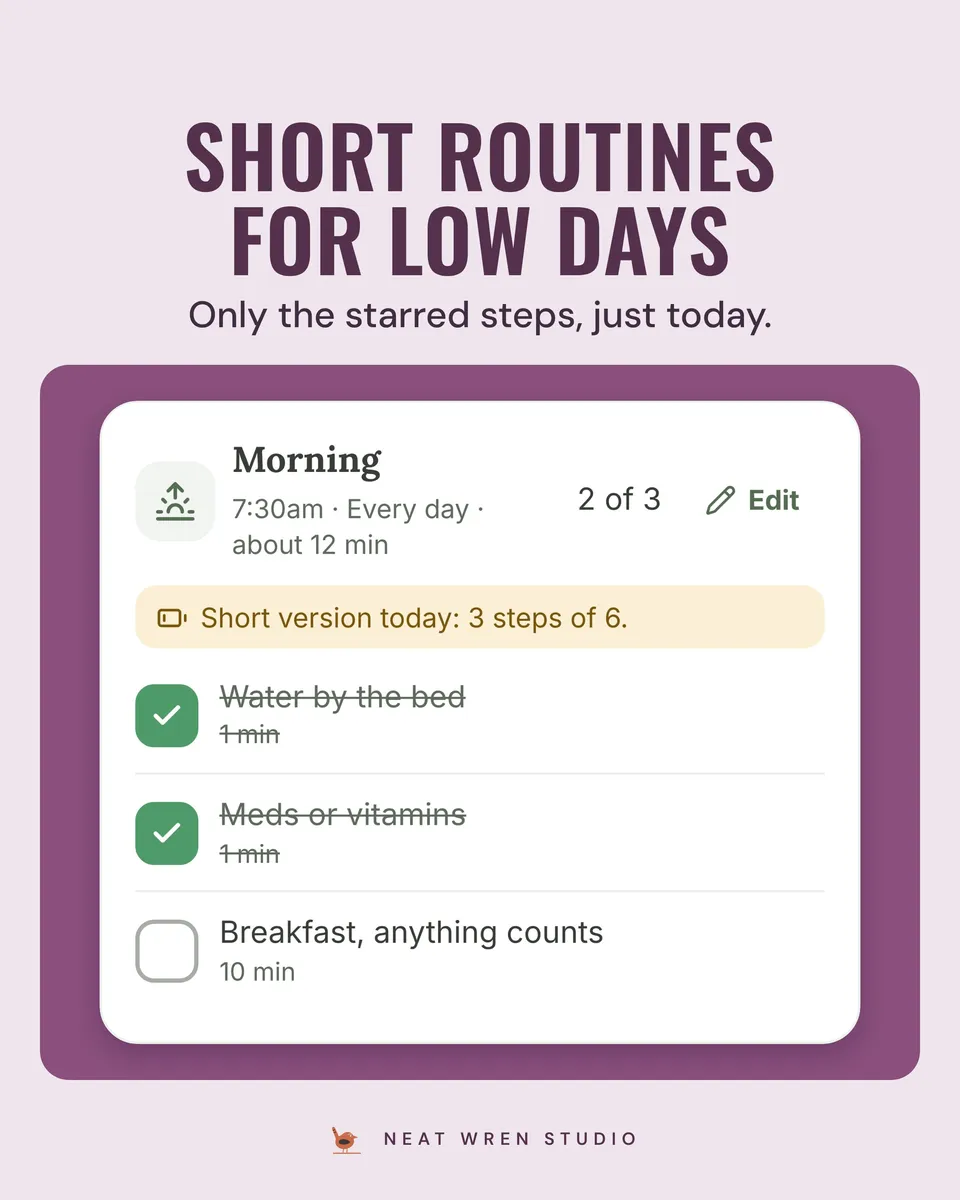
- Runs morning and evening routines with a short version for low-energy days that shows only your starred steps
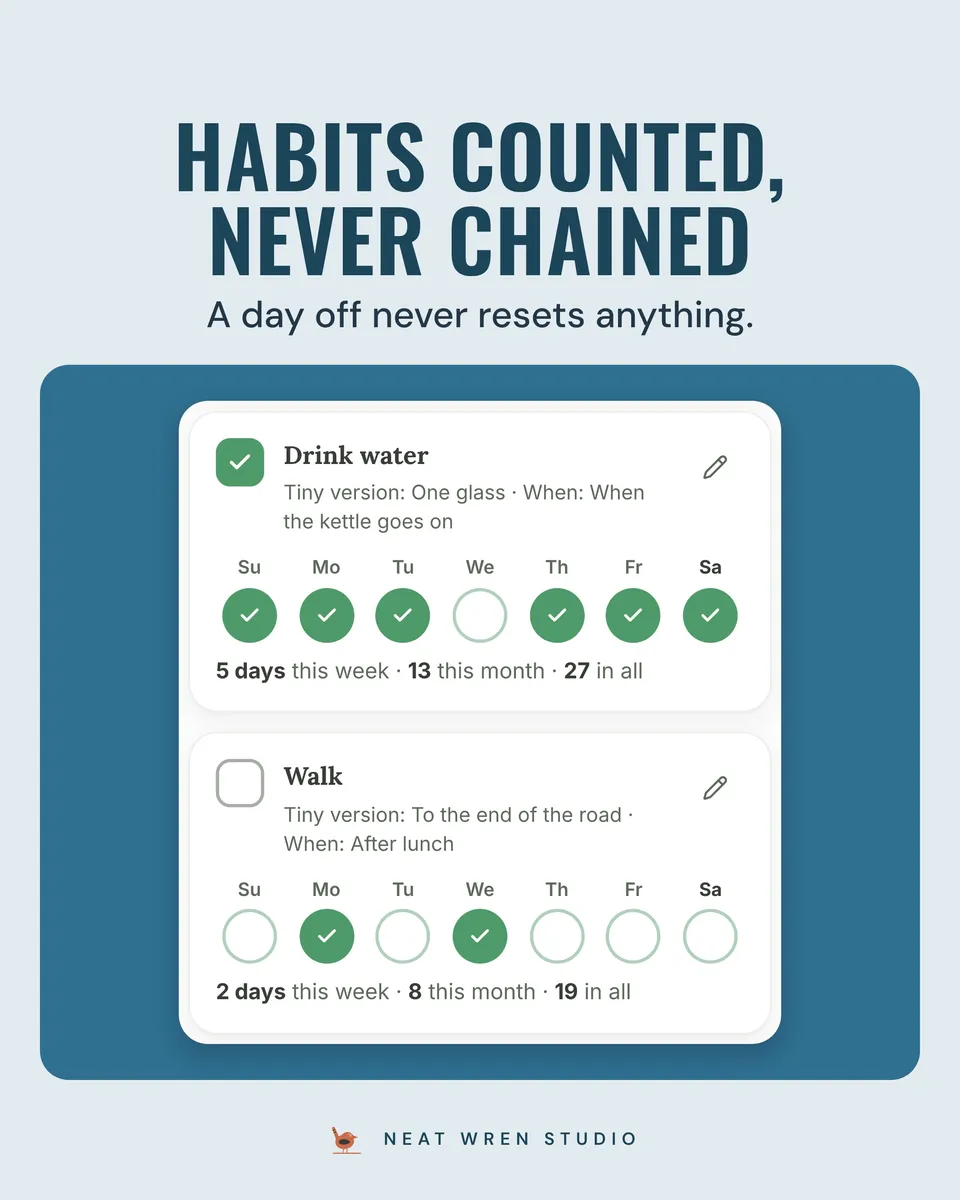
- Counts habits without chains: a tiny version and a cue for each, and a day off never resets anything
- Offers a stuck card (eight smallest next steps and a ten-minute countdown) and a low-energy menu where three from any column is a full day
- Offers an ADHD-friendly mode (one thing at a time) or a Standard mode with a Coming up list for the next 7 days
What you get
- A Start here PDF with your private link to the full Calm Week, how to add it to your Home Screen, and how to bring your demo week across
- A how-to guide (PDF) covering every screen step by step, with pictures
- Lifetime updates: new versions arrive by themselves when you open it online
- Personal licence for your own devices
Good to know
- Opens in your browser and adds to your Home Screen like an app; works offline once added
- No account and no subscription; everything stays on your device unless you turn on Sync or the usage count, so download a backup now and then
- Calendar export for routines, resets and burst days; the app itself does not send notifications
- Try the free demo first: a backup from the demo carries over to the full version
You might also like
- Calm Money Home: UK Moving CostsA UK app showing the true monthly cost of a place to rent or buy, with bill splits, an affordability check and a moving checklist.
- Calm Week ADHD Planner BundleA weekly planner app, a weekly reset printable and a dated 2027 planner for adults with ADHD, with no streaks in any of them.
- Budget and Moving Costs App BundleTwo browser-based apps in one bundle: Calm Money for what is safe to spend, and Calm Money Home for the true cost of a place. Works offline.